Key Takeaways
- A WhatsApp click-to-chat link uses the format https://wa.me/ followed by your full phone number with country code, digits only.
- Add ?text= and a URL-encoded message to pre-fill what the customer sends first.
- Use the link on your website, email signature, social bios, and as a QR code on printed materials.
- Use a slightly different pre-filled message per channel so you can tell where leads come from.
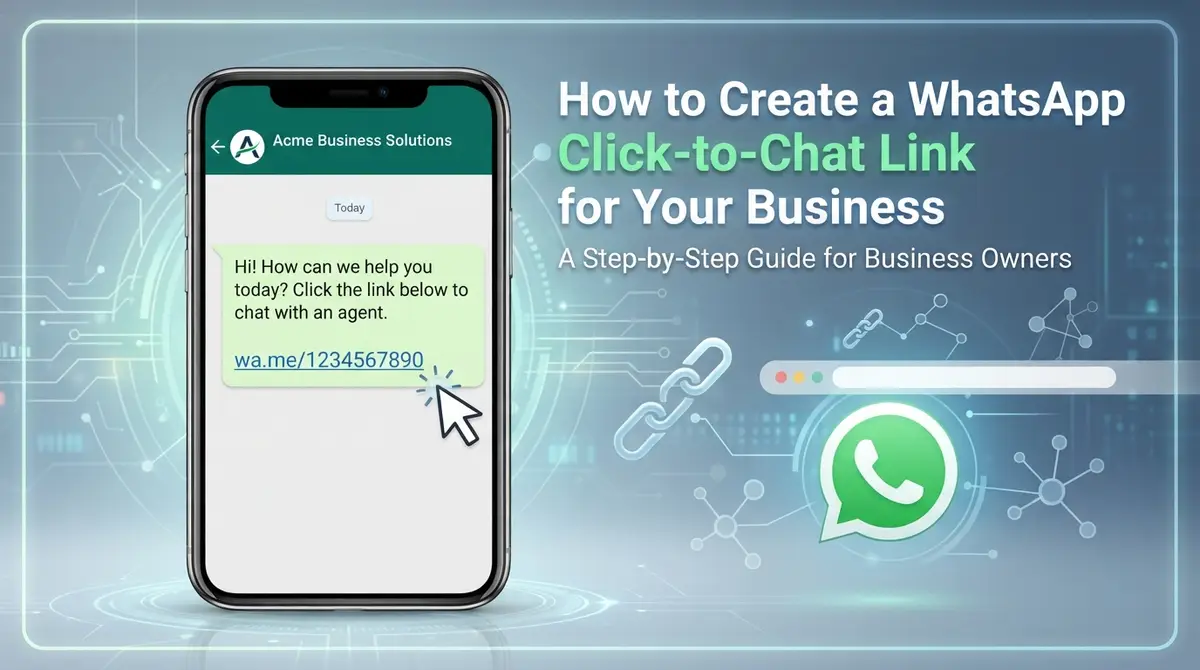
A WhatsApp click-to-chat link lets a customer start a conversation with your business in one tap — no saving your number, no typing it in. It’s one of the simplest ways to shorten the gap between “interested” and “talking to you.”
What is a click-to-chat link?
It’s a normal web link that opens WhatsApp with a chat to your number already open. It uses the format:
https://wa.me/15551234567You can also add a pre-filled message so customers don’t start with a blank screen:
https://wa.me/15551234567?text=Hi%21%20I%27d%20like%20a%20quoteHow to create one in 3 steps
- Take your full number with the country code, digits only. A US number like (555) 123-4567 becomes
15551234567. No plus sign, spaces, or dashes. - Add
https://wa.me/in front of the number. - Optionally add
?text=and your message, URL-encoded (spaces become%20).
Don’t want to do the encoding by hand? Use our free WhatsApp link generator — type your number and message, copy the link, done. It runs entirely in your browser.
Where to use your link
- Your website: a “Chat on WhatsApp” button on your contact page, service pages, and header.
- Email signature: a one-tap way for clients to reach you.
- Social bios: Instagram, Facebook, and TikTok profiles.
- Google Business Profile and ads: as a contact link where supported.
- Print materials: turn the link into a QR code with our free QR code generator, and put it on flyers, menus, and business cards.
Tips that get more replies
- Write a useful pre-filled message. “Hi! I’m interested in your web design service” is better than “Hello,” because you already know why they’re writing.
- Use different links per channel. Change the message slightly for your website versus Instagram so you know where leads come from.
- Track your clicks. Add campaign tags with our UTM builder when you share the link on a page you can measure.
- Reply fast. A tap-to-chat link raises expectations of a quick answer. If you can’t respond around the clock, consider a website chatbot that answers common questions and hands off to you.
Next step: automate the first response
Click-to-chat gets the conversation started. If you’d like instant answers and lead capture even when you’re offline, a custom AI chatbot can handle common questions and pass serious inquiries to you. Ask us how.
Frequently Asked Questions
How do I create a WhatsApp link for my business?
Write your full number with the country code as digits only (for example 15551234567 for a US number), then put https://wa.me/ in front of it. You can add ?text= followed by a URL-encoded message to pre-fill the chat.
Is a WhatsApp click-to-chat link free?
Yes. wa.me links are free to create and use. You can also generate one with the free WhatsApp link generator on the SZB Techs tools page.
Can I put a WhatsApp link in a QR code?
Yes. Paste the wa.me link into a QR code generator and print the code on flyers, menus, or business cards so people can start a chat by scanning it.

 Do for a Small Business_szbtechs.webp)